


10 Practical Uses of Animation in eLearning
Animation in eLearning plays an important role, but its value is not simply to make courses look more attractive. The most effective animation improves understanding, engagement, and retention by helping learners process information more efficiently. Poorly used animation, however, can become a distraction and increase cognitive load. Here are the main roles animation plays in modern eLearning:
1. Explain Complex Concepts
One of the greatest strengths of animation in eLearning is its ability to simplify ideas that are difficult or impossible to explain with text or static images.
Examples:
- Demonstrating how a hydraulic system works
- Showing the flow of electricity through equipment
- Explaining financial processes or insurance products
- Illustrating chemical reactions or biological processes
Instead of reading several paragraphs, learners can watch a process unfold in seconds.
2. Demonstrate Procedures
Many workplace tasks involve a sequence of actions.
Animation can show:
- Lock-out/tag-out procedures
- Emergency evacuation processes
- Machine operation
- Software workflows
- Customer service interactions
Learners can clearly see the correct order of events and the consequences of doing something incorrectly.
3. Increase Engagement
Movement naturally attracts attention.
Animation in eLearning helps:
- Break up long sections of text
- Maintain learner interest
- Reduce the feeling of “reading a manual.”
- Create a more modern learning experience
This is especially important for compliance and mandatory training where learner motivation may be low.
4. Support Storytelling
People remember stories better than isolated facts.
Animated characters and scenarios allow learners to:
- Observe realistic workplace situations
- Understand emotional consequences
- Relate to characters
- Apply learning in context.
This is particularly effective for:
- Leadership
- Ethics
- Customer service
- Diversity and inclusion
- Financial literacy
5. Improve Knowledge Retention
Animation supports dual coding – the combination of visual and verbal information.
When learners both hear and see information:
- Understanding improves
- Memory is strengthened
- Recall is often better than with text alone
However, animation should reinforce the lesson rather than compete for attention.
6. Visualise the Invisible
Some concepts cannot be photographed.
Animation makes it possible to show:
- Internal machine components
- Underground mining hazards
- Blood circulation
- Data moving through networks
- Software logic
- Risk pathways
This is one of the greatest strengths of animation.
7. Demonstrate Consequences Safely
Animation allows organisations to show dangerous situations without putting anyone at risk.
Examples:
- Mine explosions
- Electrical accidents
- Chemical spills
- Vehicle collisions
- Equipment failures
Learners can experience the consequences in a safe environment.
8. Standardise Training
A live trainer may explain a concept differently each time.
Animation ensures:
- Consistent messaging
- Standard procedures
- Repeatable demonstration
- The same quality of instruction across locations
This is particularly valuable for organisations with multiple sites.
9. Reduce Language Barriers
Well-designed animation communicates visually, reducing reliance on text.
This is valuable where:
- Learners speak multiple languages
- Literacy levels vary
- Translation costs are high
Visual demonstrations are often universally understood.
10. Increase Accessibility
When paired with:
- Narration
- Captions
- Transcripts
- Learner controls
animation can make learning more accessible for diverse audiences.
Types of Animation in eLearning
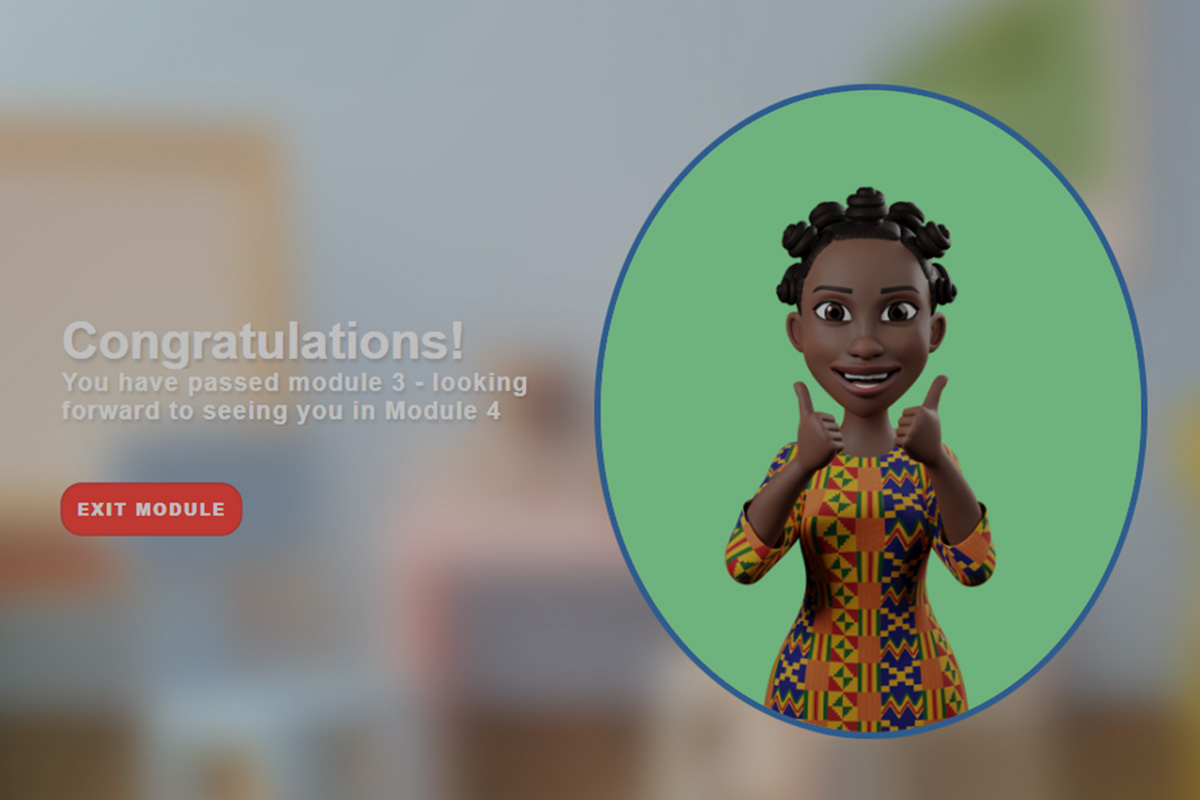
2D Character Animation
Ideal for:
- Soft skills
- Compliance
- Customer service
- HR training
Advantages:
- Engaging
- Cost-effective
- Relatable
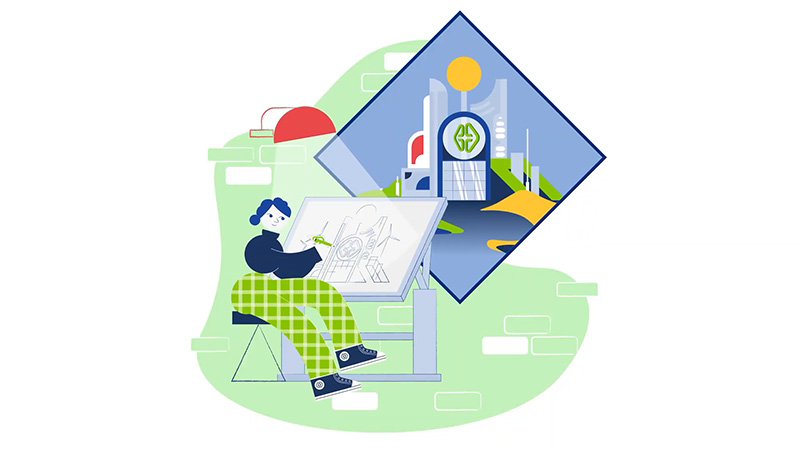
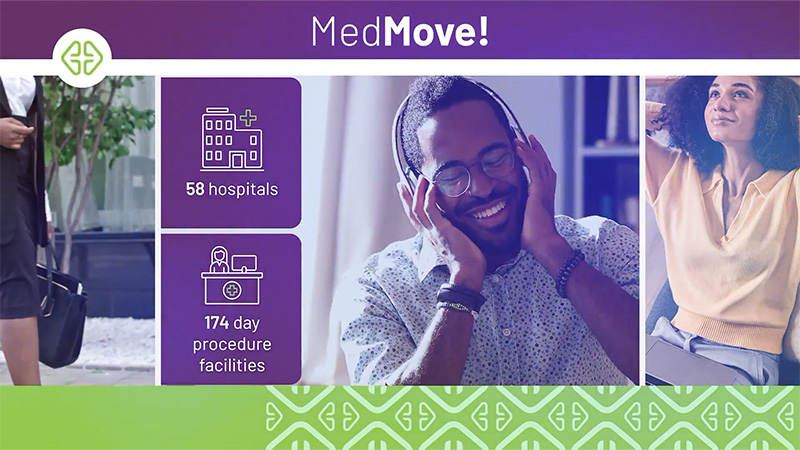
Motion Graphics
Best for:
- Statistics
- Processes
- Timelines
- Financial information
- Business presentations
Advantages:
- Professional
- Concise
- Highly effective for corporate learning
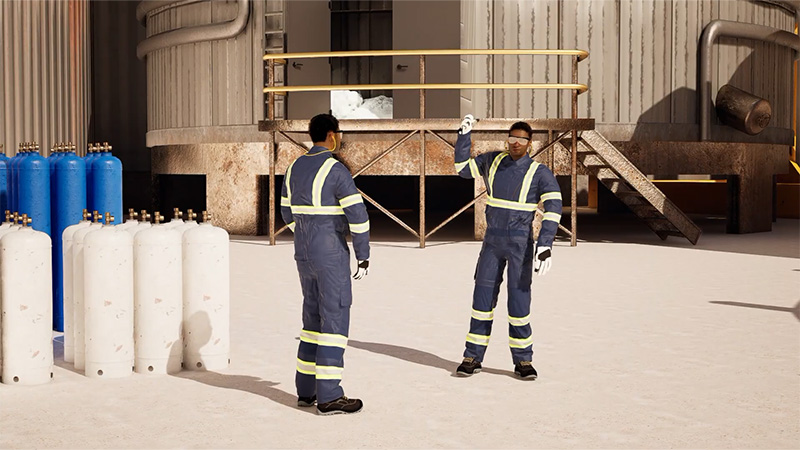
3D Animation
Used when spatial understanding is important.
Examples:
- Machinery
- Mining equipment
- Manufacturing
- Medical procedures
- Engineering
Advantages:
- Realistic
- Can show hidden internal components
- Excellent for technical training
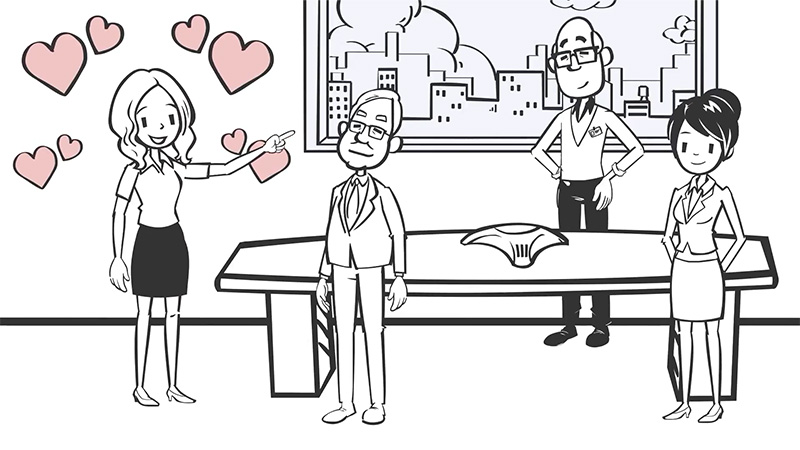
Whiteboard Animation
Useful for:
- Conceptual learning
- Introductory topics
- Explaining theories
Advantages:
- Simple
- Inexpensive
- Keeps focus on the message
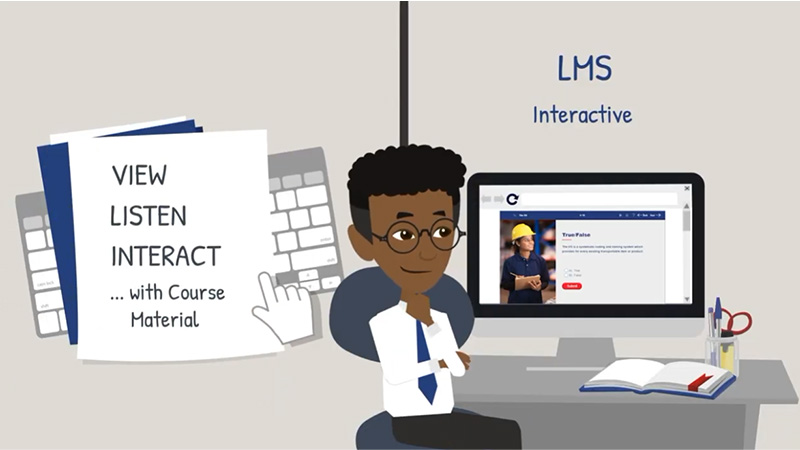
Screen Animation
Perfect for software training.
Examples:
- ERP systems
- LMS training
- Microsoft Office
- CRM systems
Learners can follow exactly where to click and what to do.
Animation Should Support Learning, Not Decorate It
Educational research consistently shows that learners benefit when animation has a clear instructional purpose. Decorative movement that doesn’t contribute to understanding can actually hinder learning by increasing cognitive load.
Effective animation in eLearning should:
- Highlight key information rather than distract from it
- Explain or demonstrate something difficult to convey otherwise
- Be paced so learners can follow the content
- Be combined with clear narration or concise on-screen text
- Avoid excessive motion, sound effects, or visual clutter
In short, every animation should answer the question: Does this help the learner understand or perform the task better?
Best Practice
For organisations like mining companies, financial institutions, manufacturers, and other corporate environments, the most effective eLearning typically blends multiple media rather than relying on a single style. A strong course might combine:
- Motion graphics to explain concepts and data
- Character animation for realistic workplace scenarios
- 3D animation for equipment, processes, or safety demonstrations
- Interactive simulations that let learners practise decisions
- Short live-action video clips where human interaction or real environments add authenticity
This mix caters to different learning needs while keeping content engaging and focused on performance outcomes.
Ultimately, animation in eLearning is most valuable when it serves as a teaching tool rather than simply a visual enhancement. Used thoughtfully, it can make learning clearer, safer, more engaging, and more memorable.
Every organisation has different training challenges, which is why there is no one-size-fits-all approach to animation in eLearning. Sound Idea Digital works with organisations to identify where animation adds real instructional value and how it can be integrated into a broader learning solution. Get in touch with our team to discuss your project and discover how animation can strengthen your next eLearning course.
